
Factsheet
| Developer | Florian Seida (indie) |
| Platforms | iPhone, iPad, Mac |
| Requirements | iOS 16, iPadOS 16, macOS 13 Ventura |
| Category | Developer Tools |
| Release Date | May 2, 2022 |
| Pricing | Freemium |
| Languages | English, German, Spanish |
About WhaleDeck
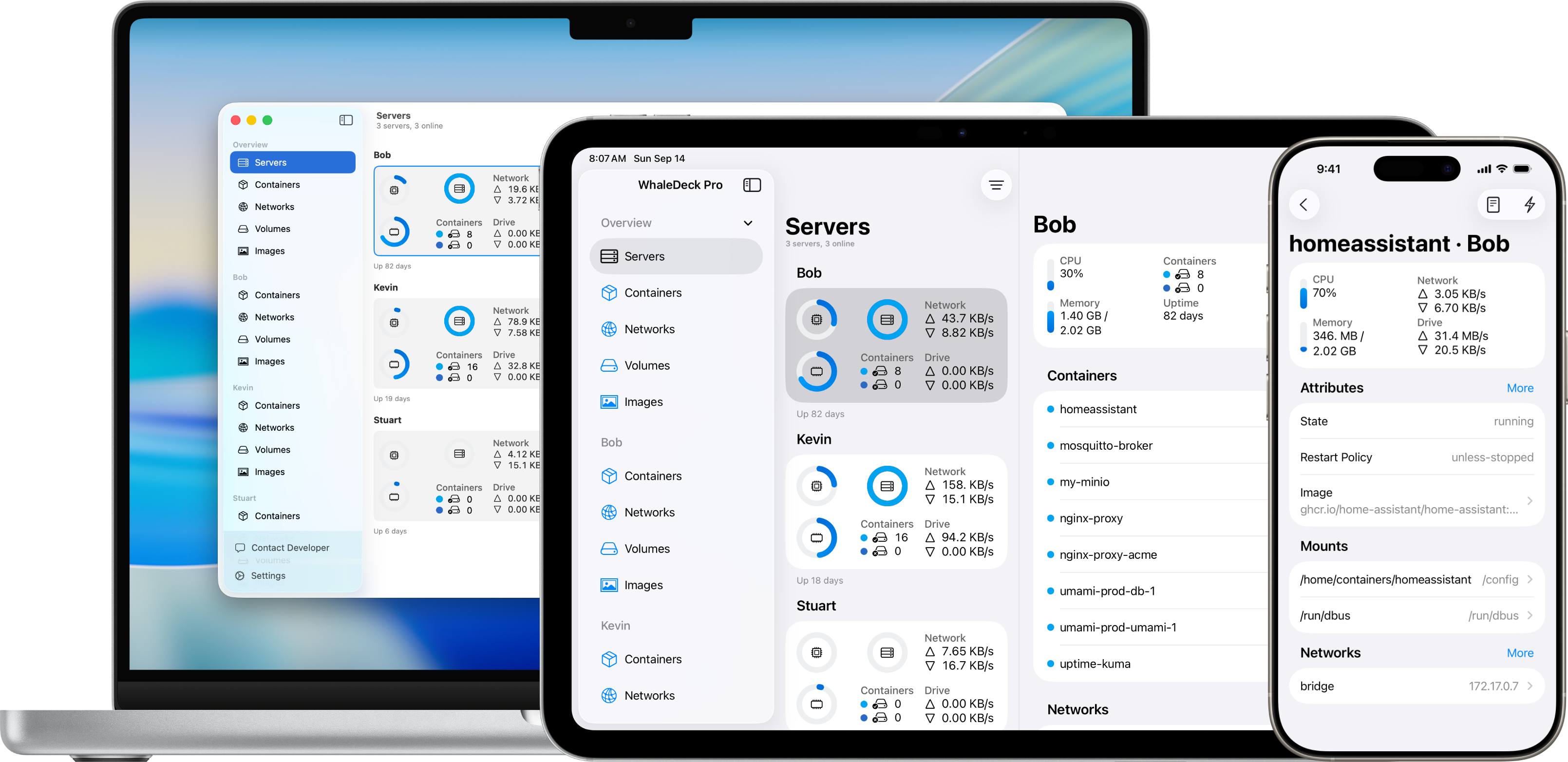
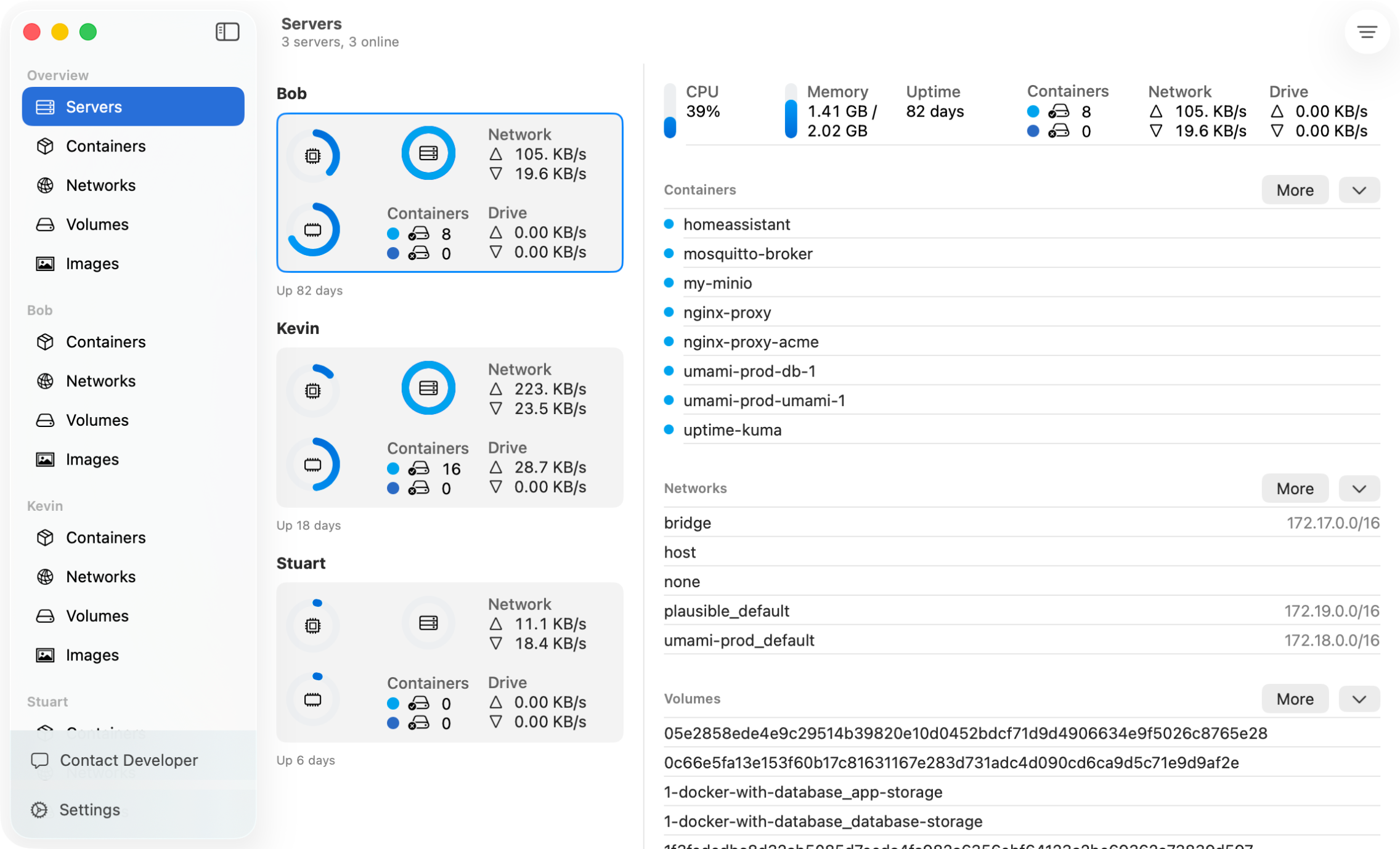
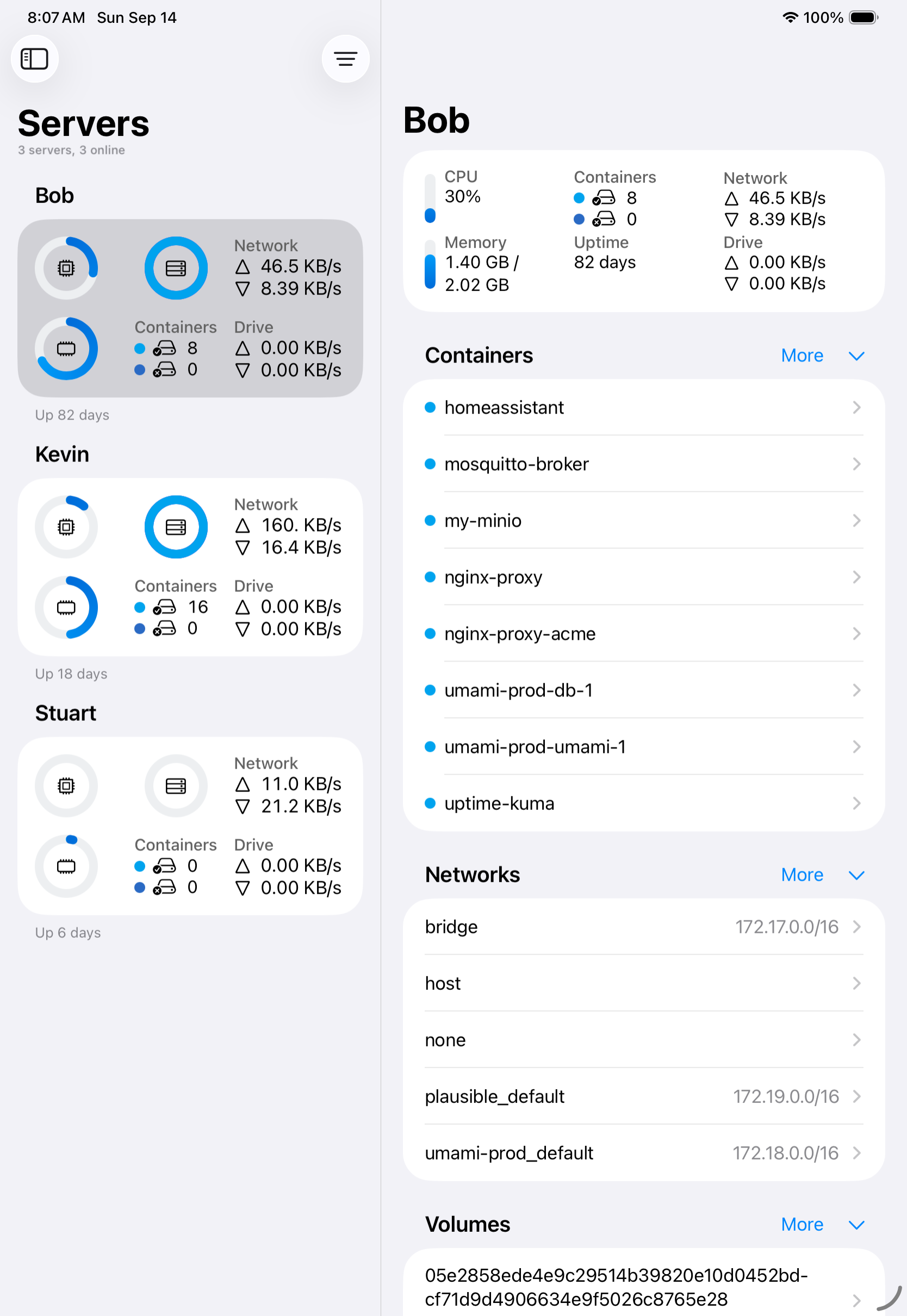
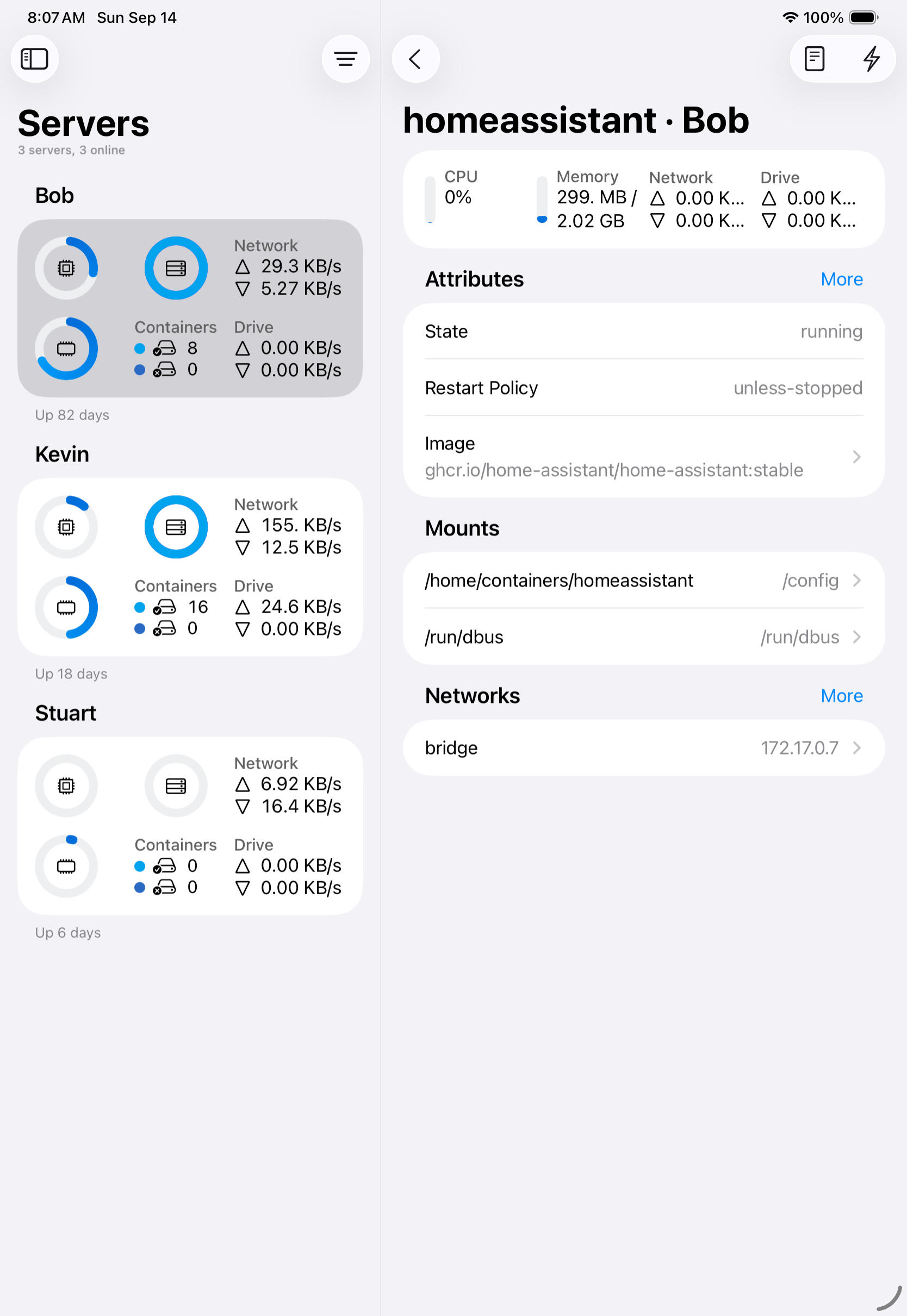
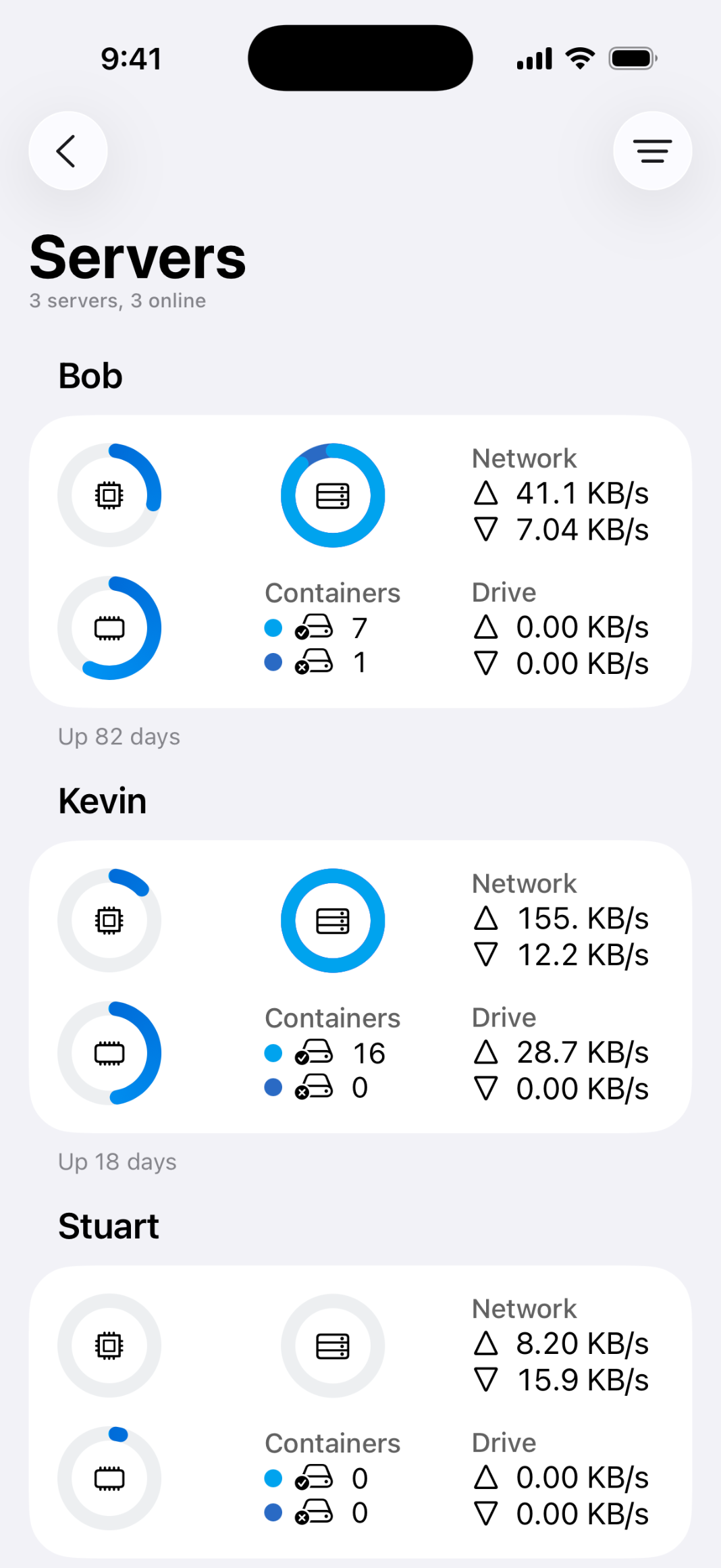
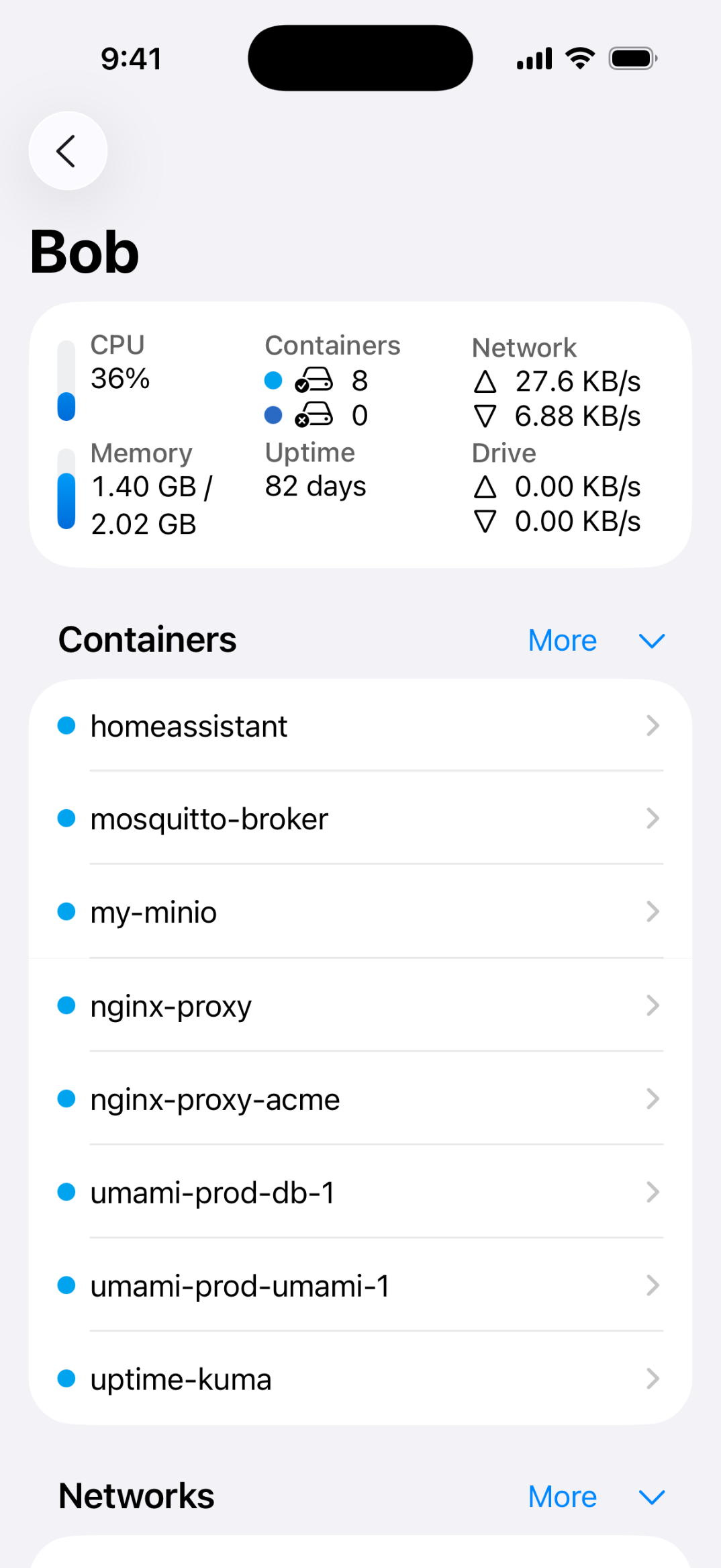
WhaleDeck is a native Docker management app for iPhone, iPad, and Mac. It gives developers a clean, intuitive interface to monitor containers, inspect resources, view live logs, and manage images, volumes, and networks — without typing a single command. Connect to remote Docker hosts over SSH or manage a local macOS Docker environment, all from one universal Apple app.
Features
- Full container lifecycle management — start, stop, restart, pause, and remove
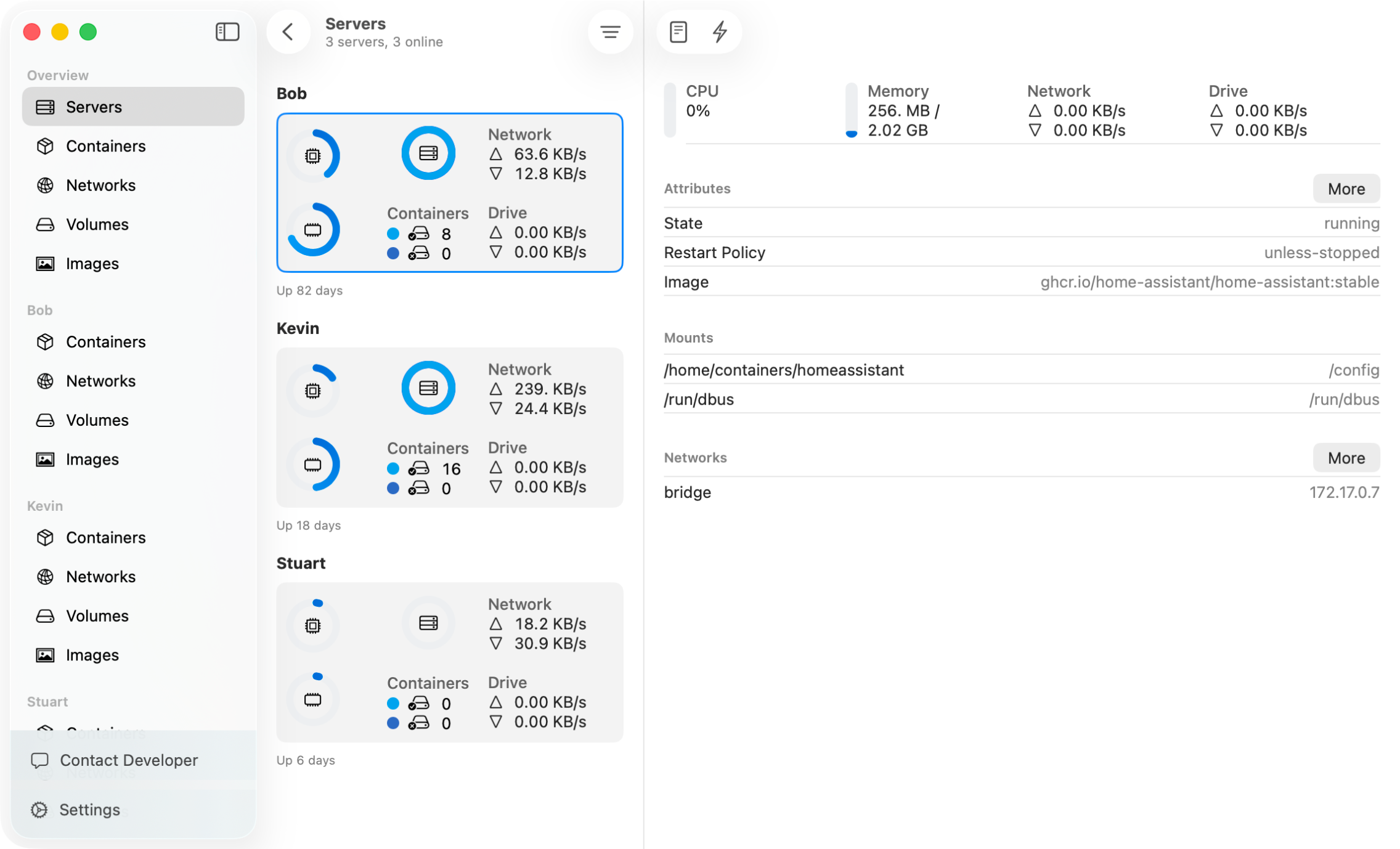
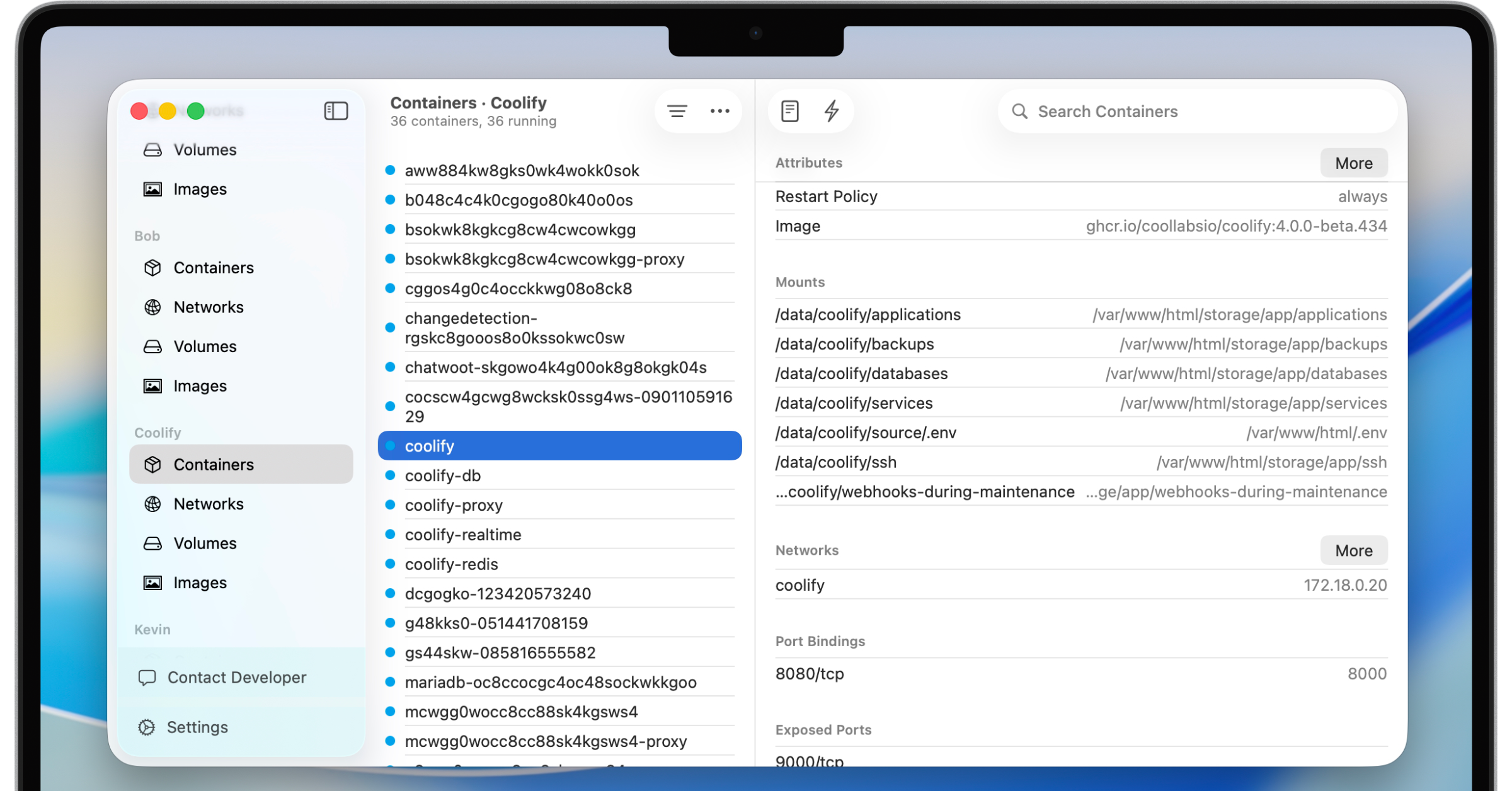
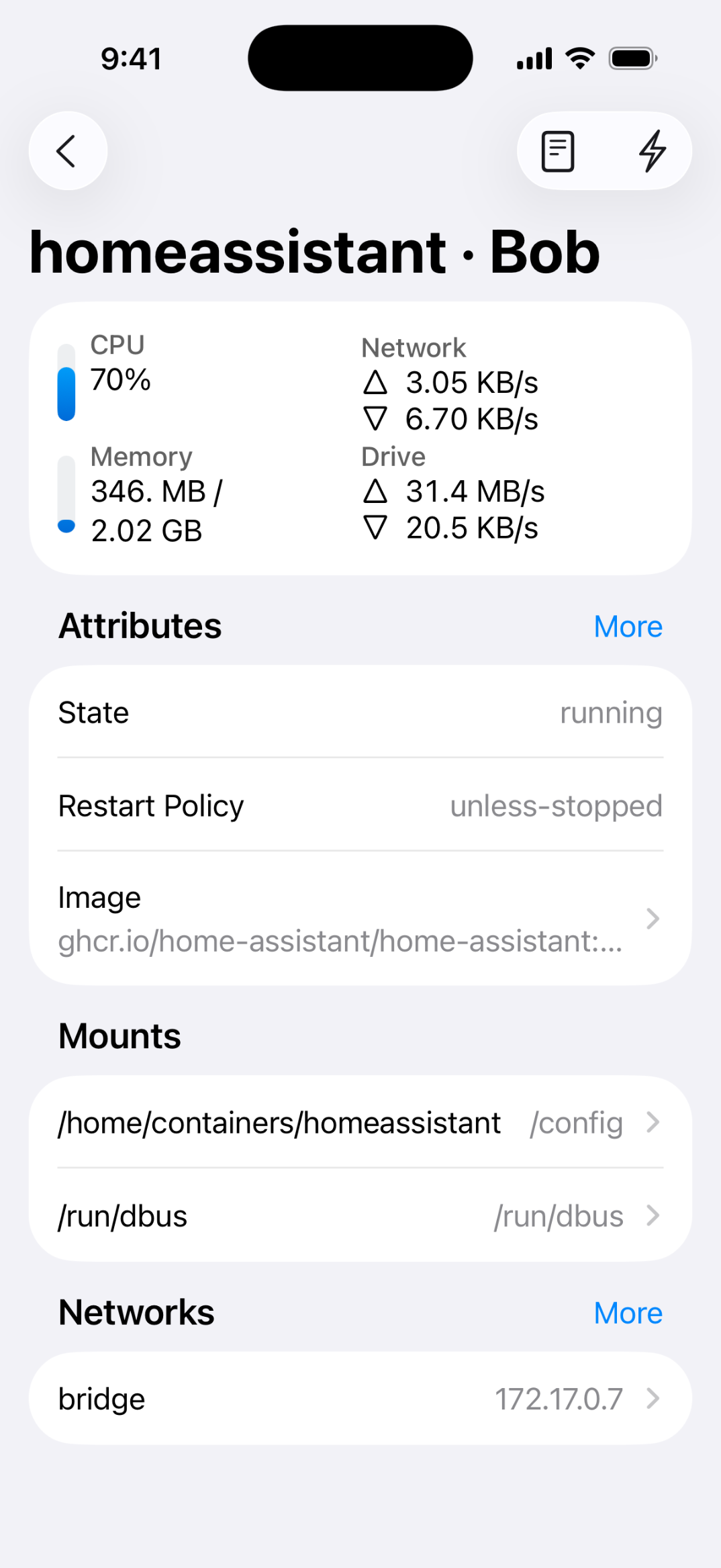
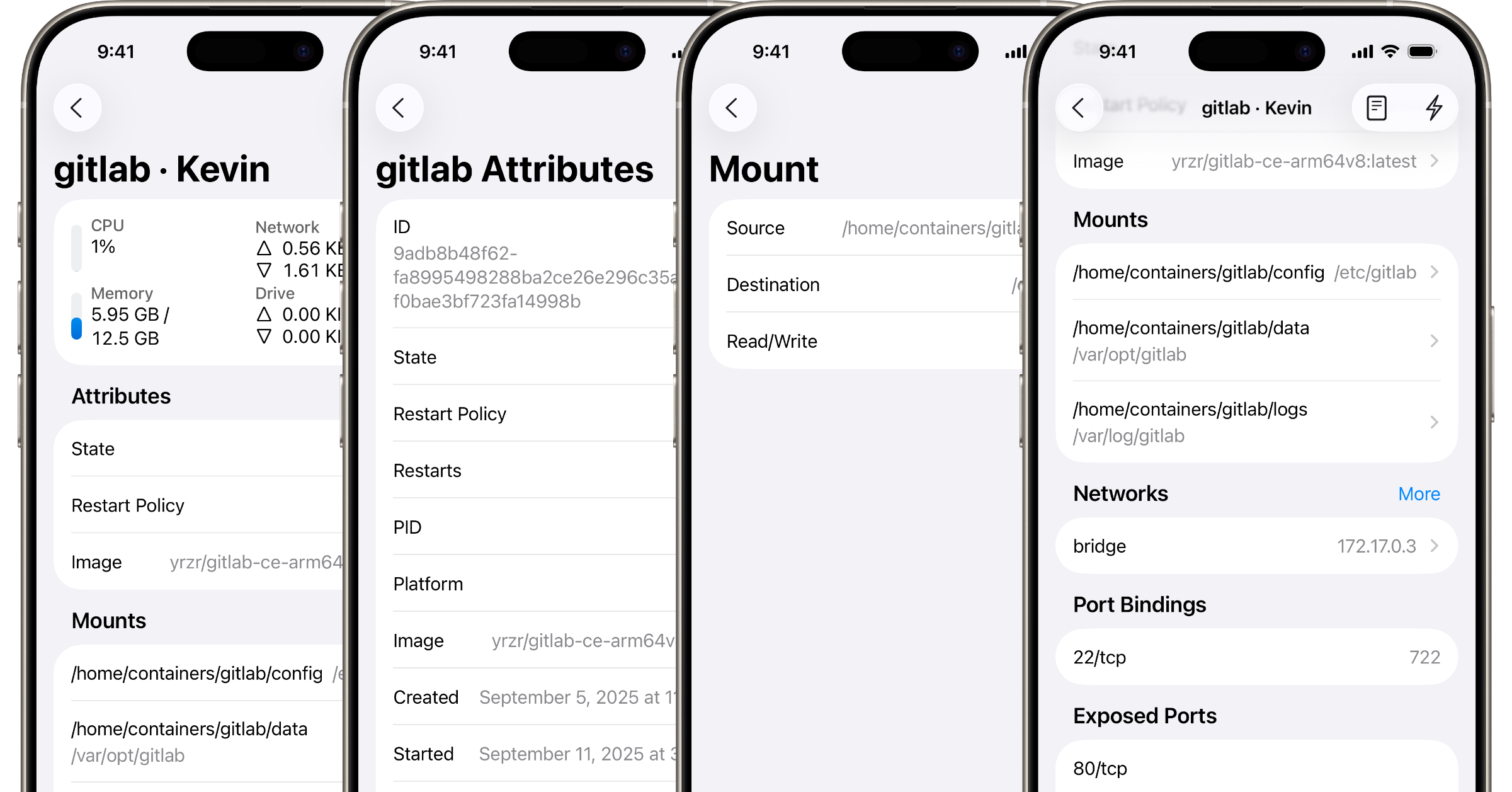
- Inspect containers including resource usage, port mappings, volume mounts, environment variables, and network settings
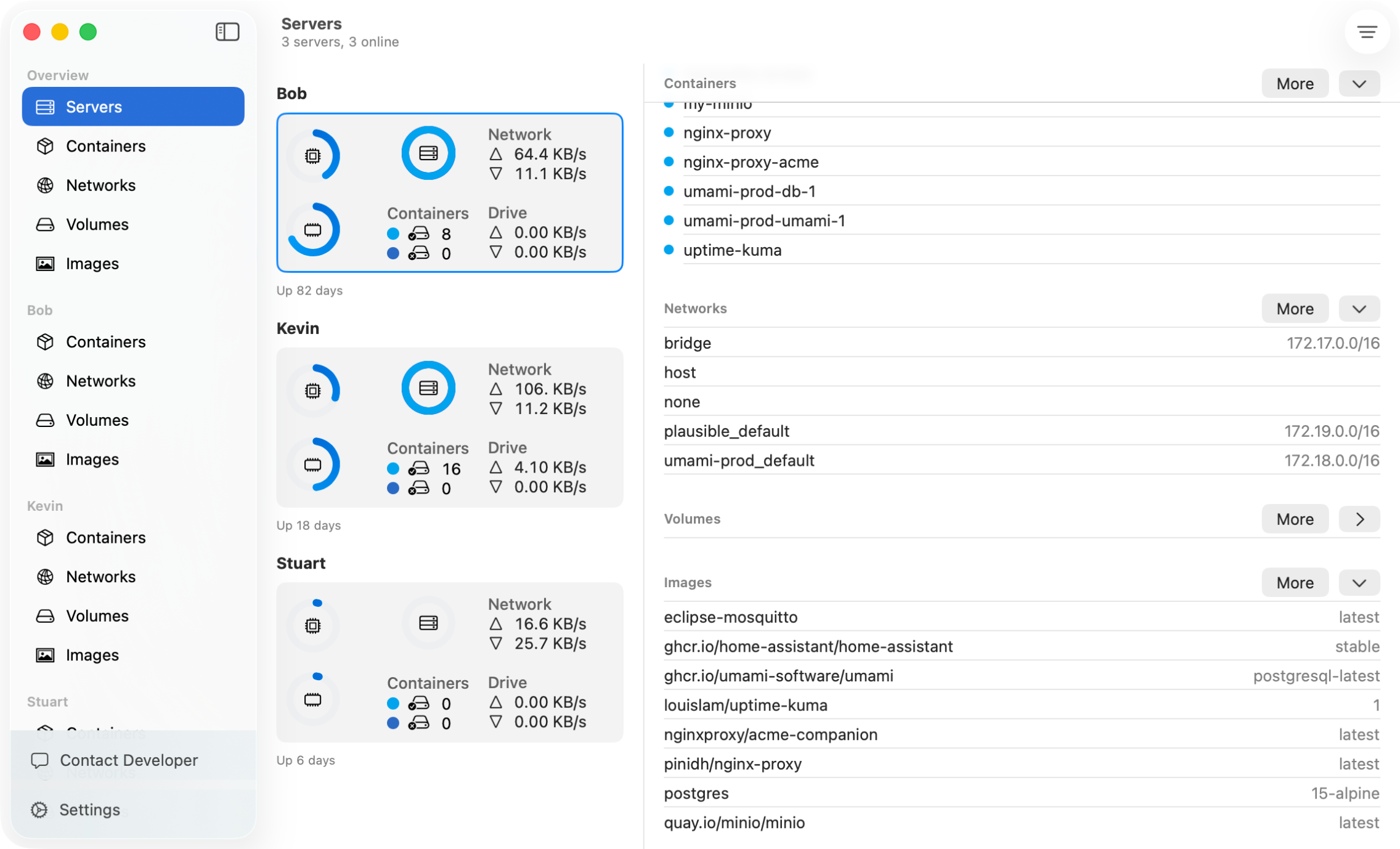
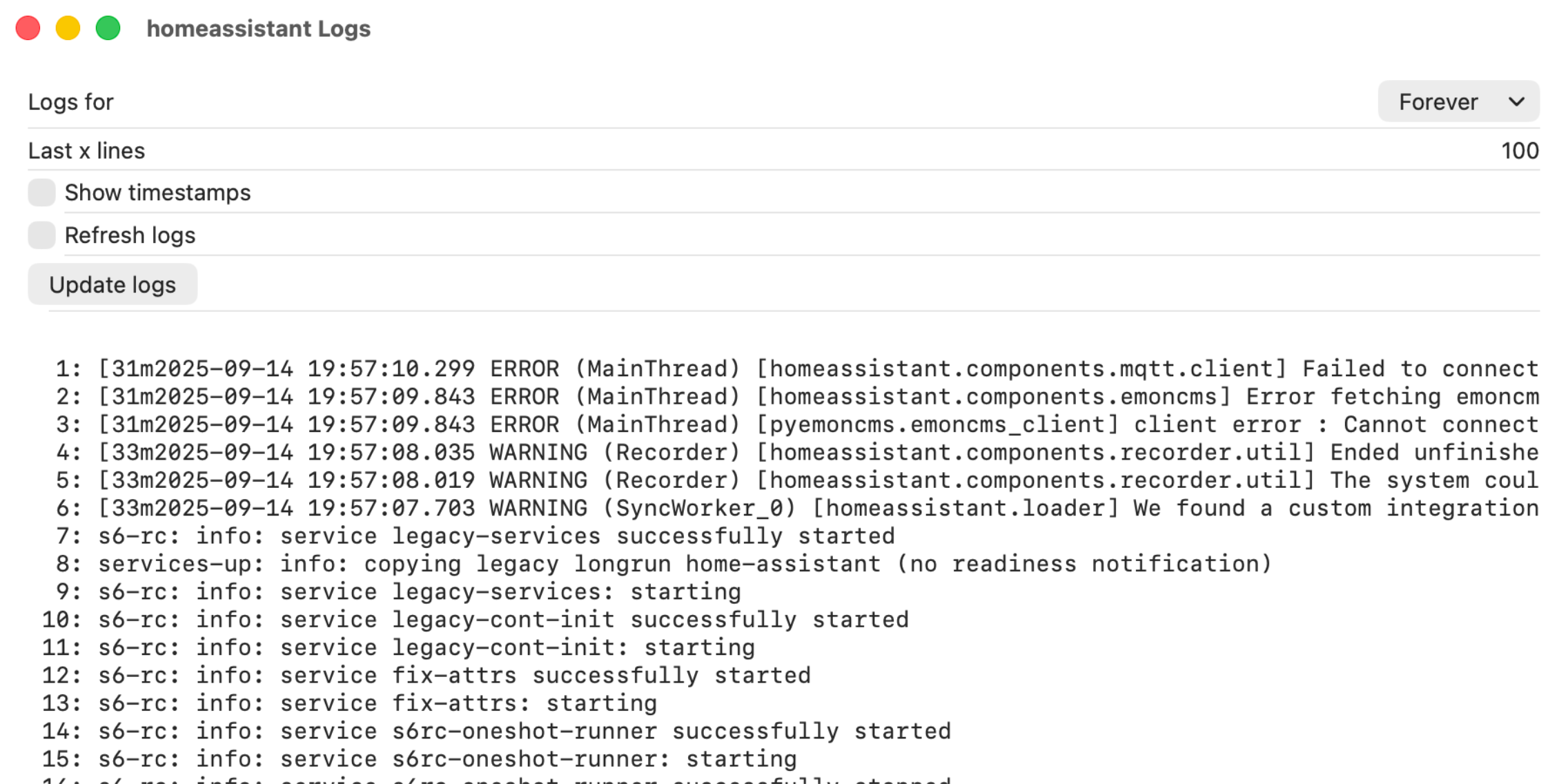
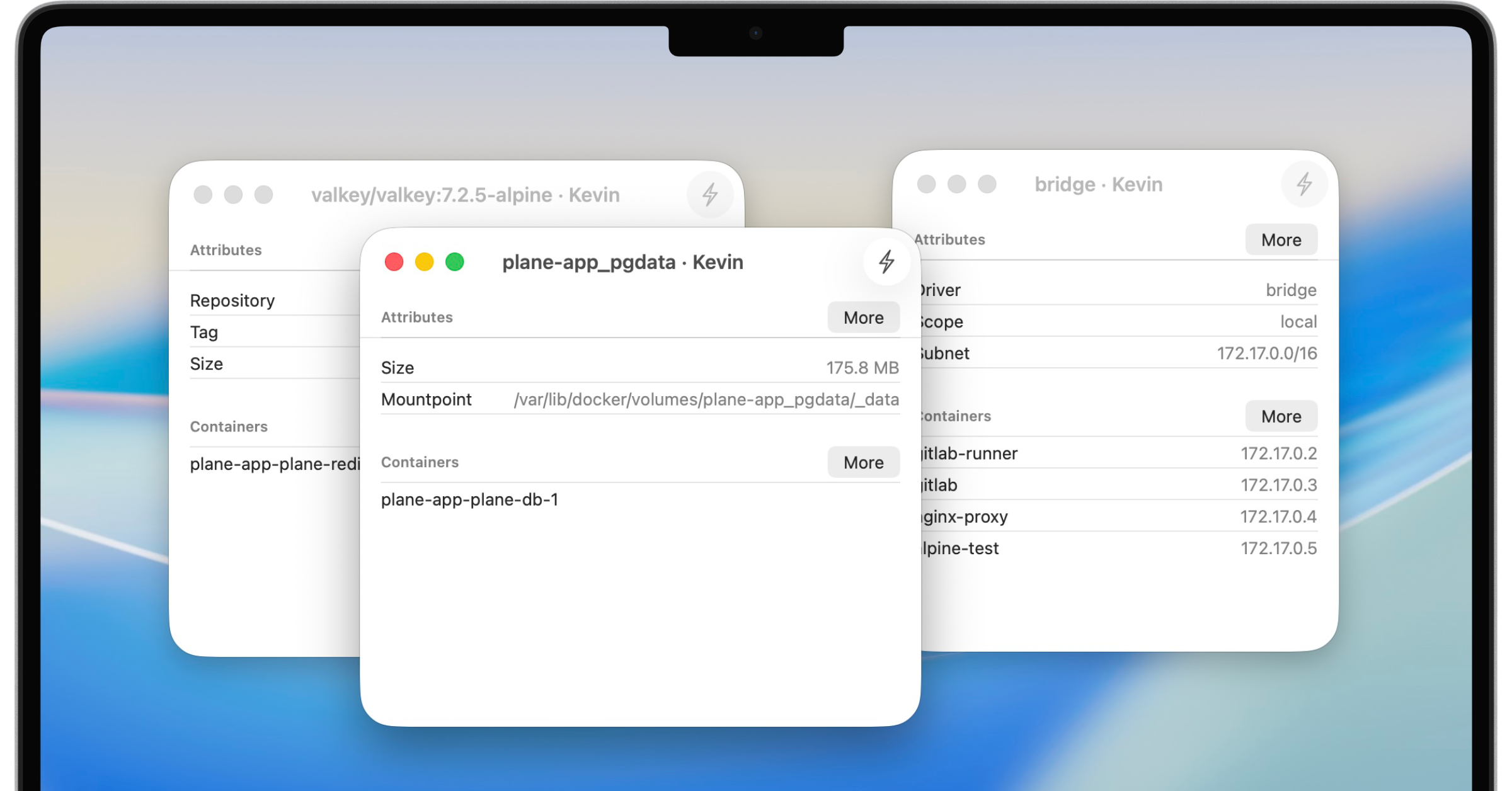
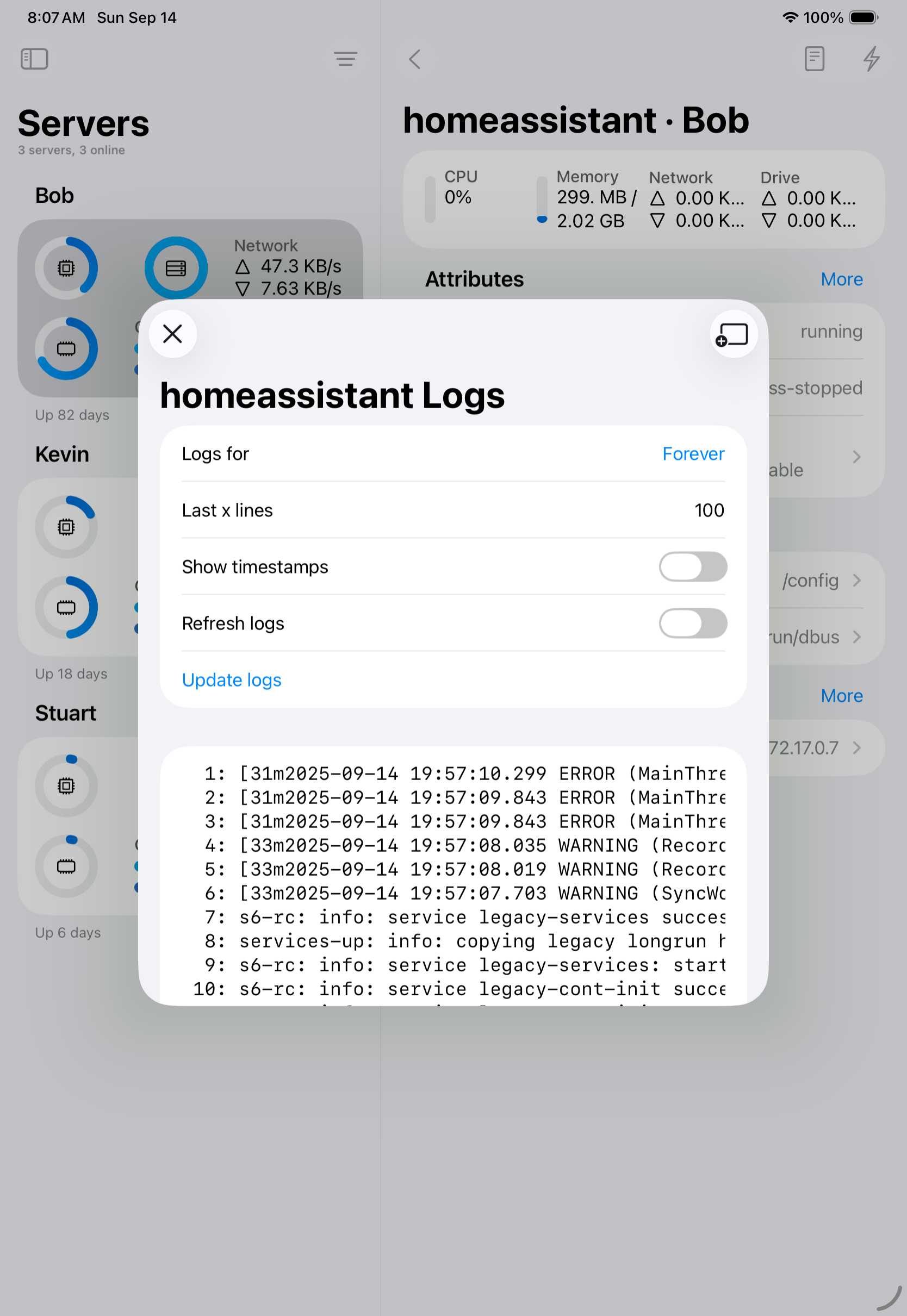
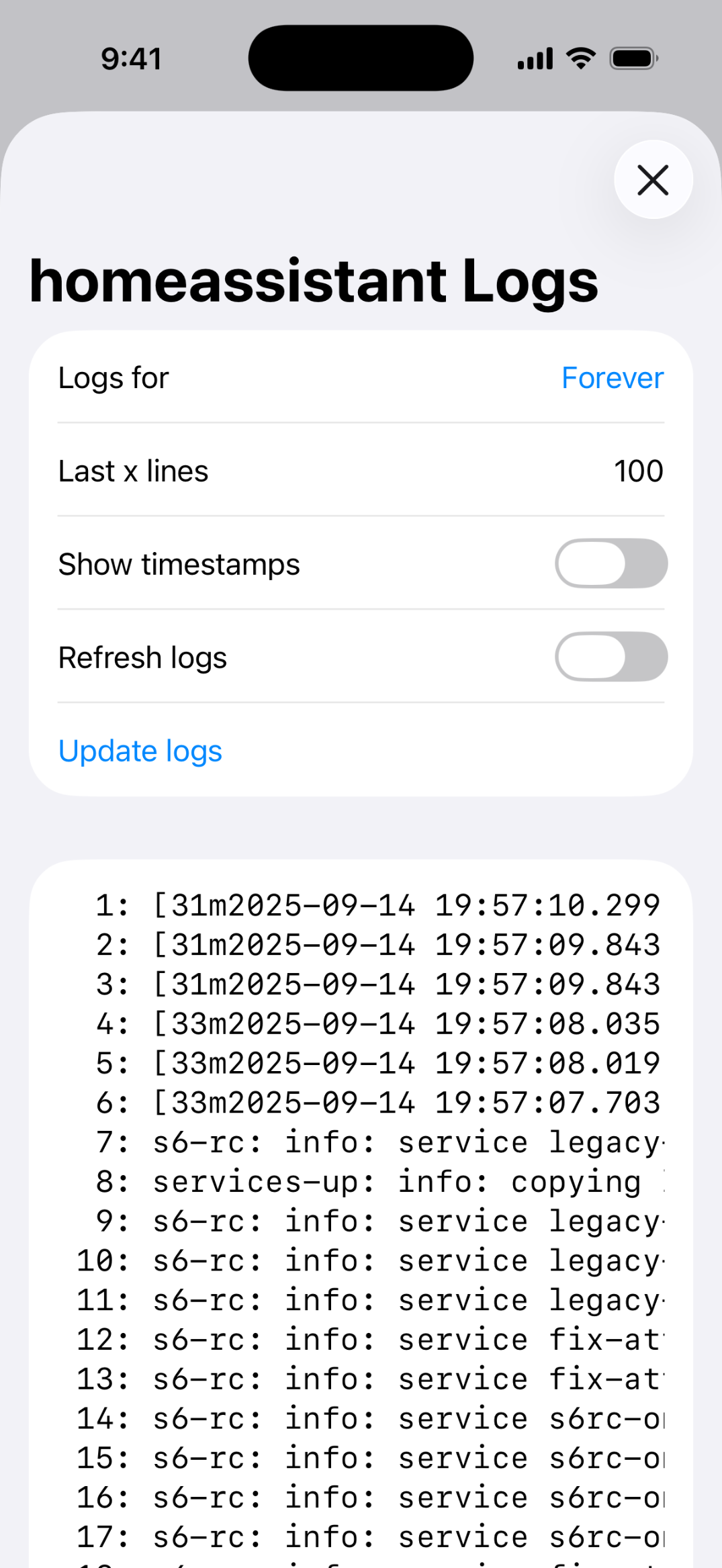
- Live logs, image management, volume and network inspection — with pull and prune support
- Secure SSH connections to remote Docker hosts with private key management
- Broad server support: Linux (Debian, Ubuntu, Unraid, Synology DSM), local macOS Docker
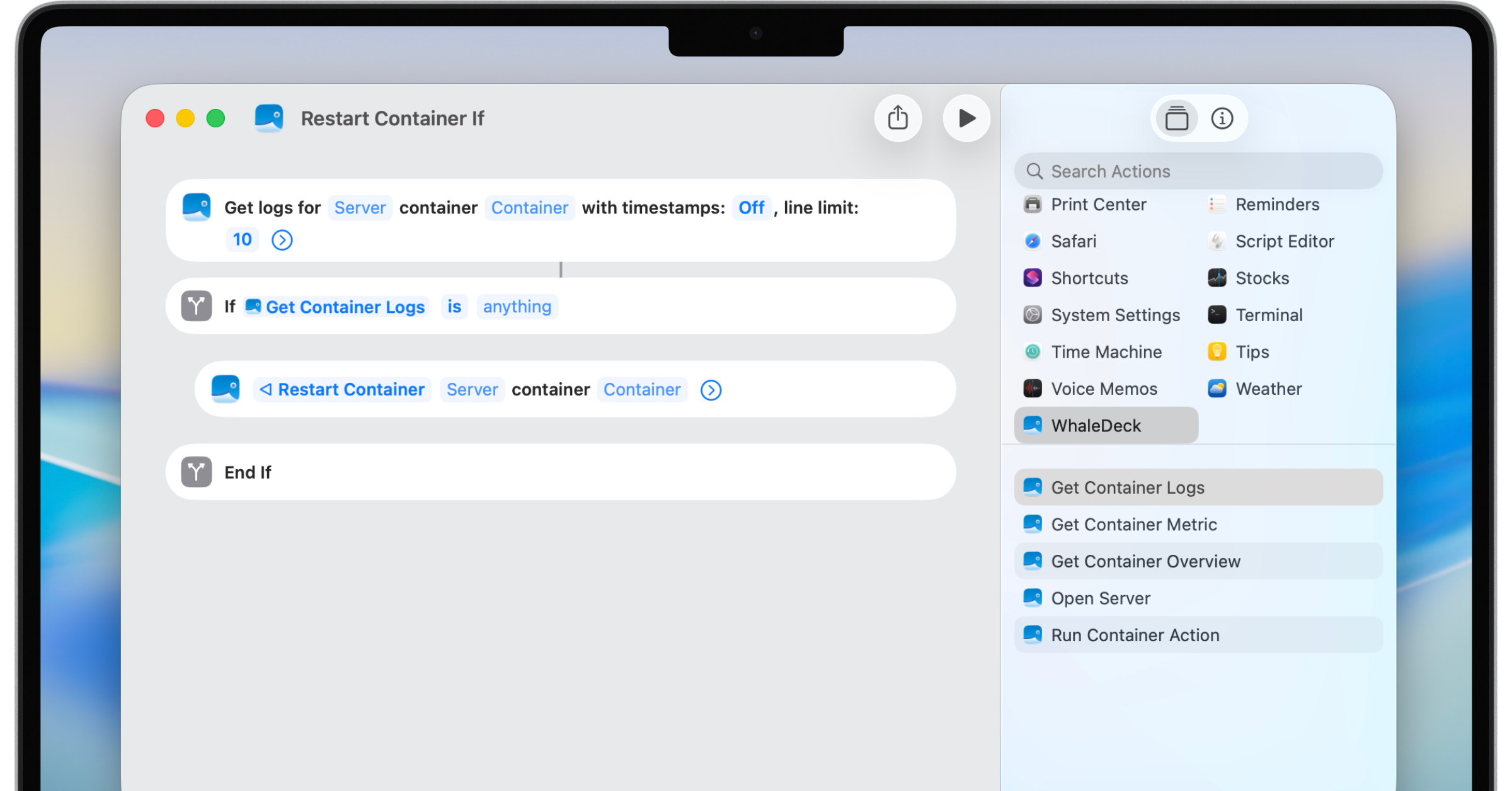
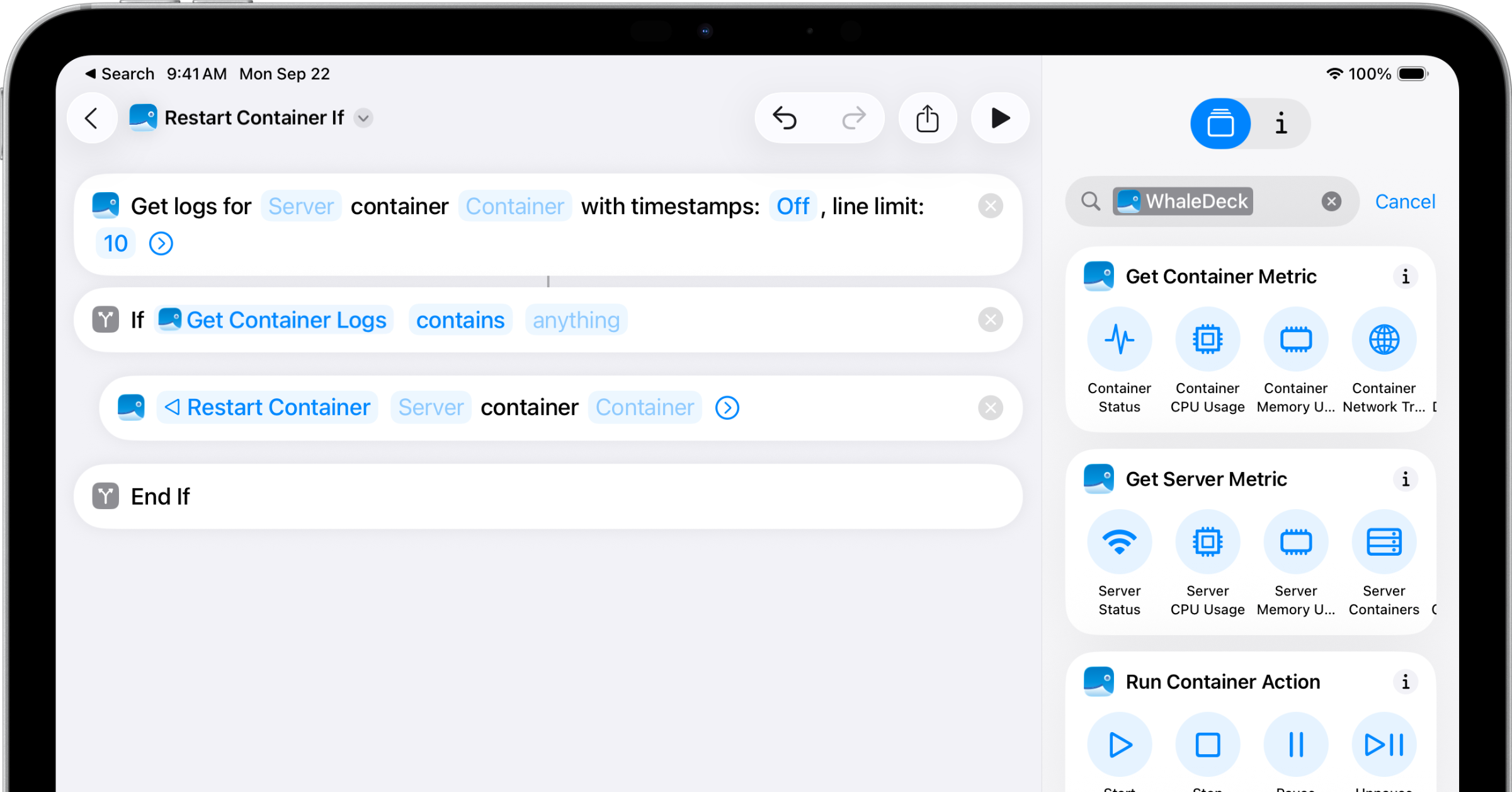
- Apple Shortcuts integration — automate container workflows with voice or multi-step automations
- Siri support for hands-free container control
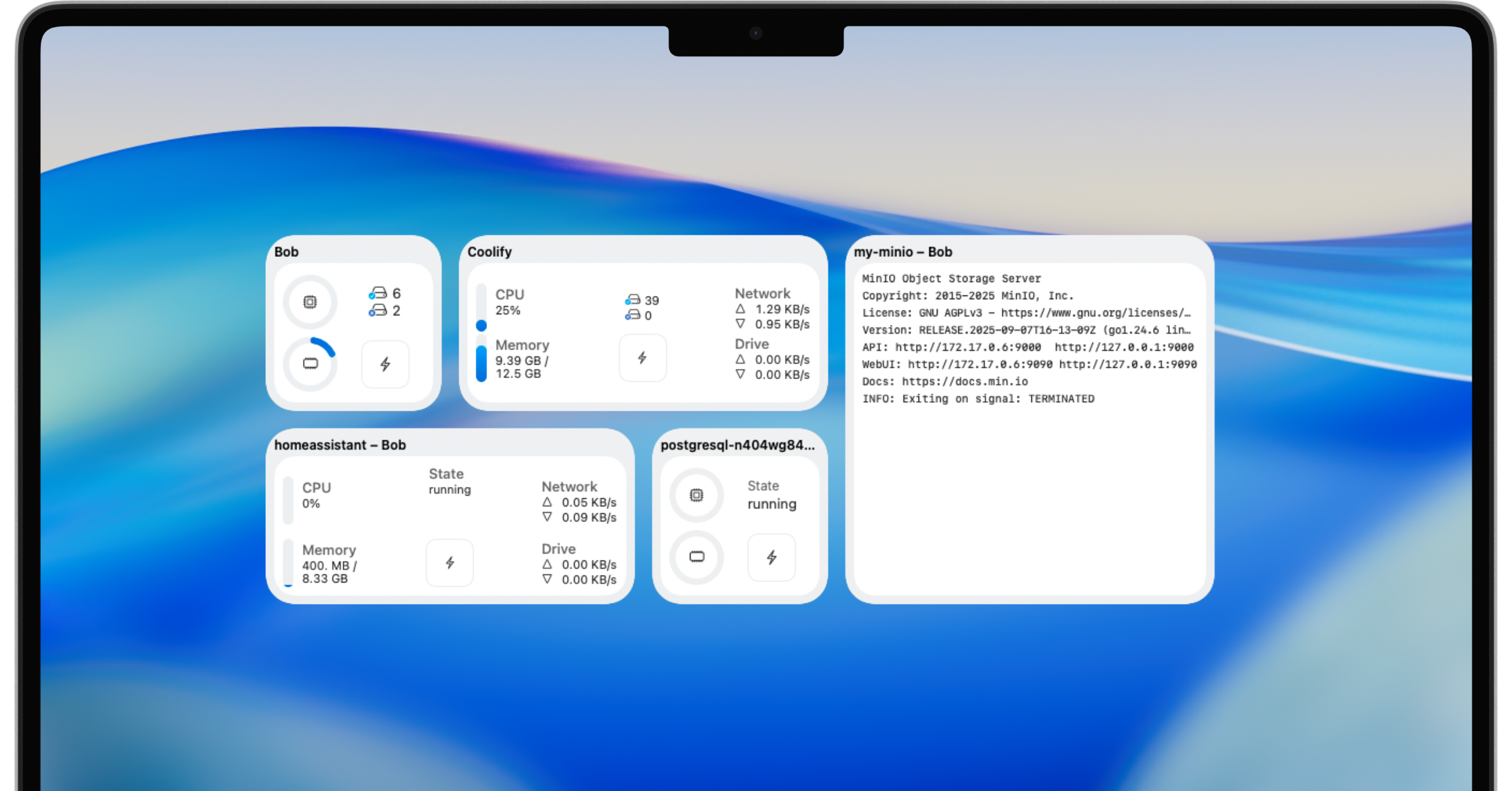
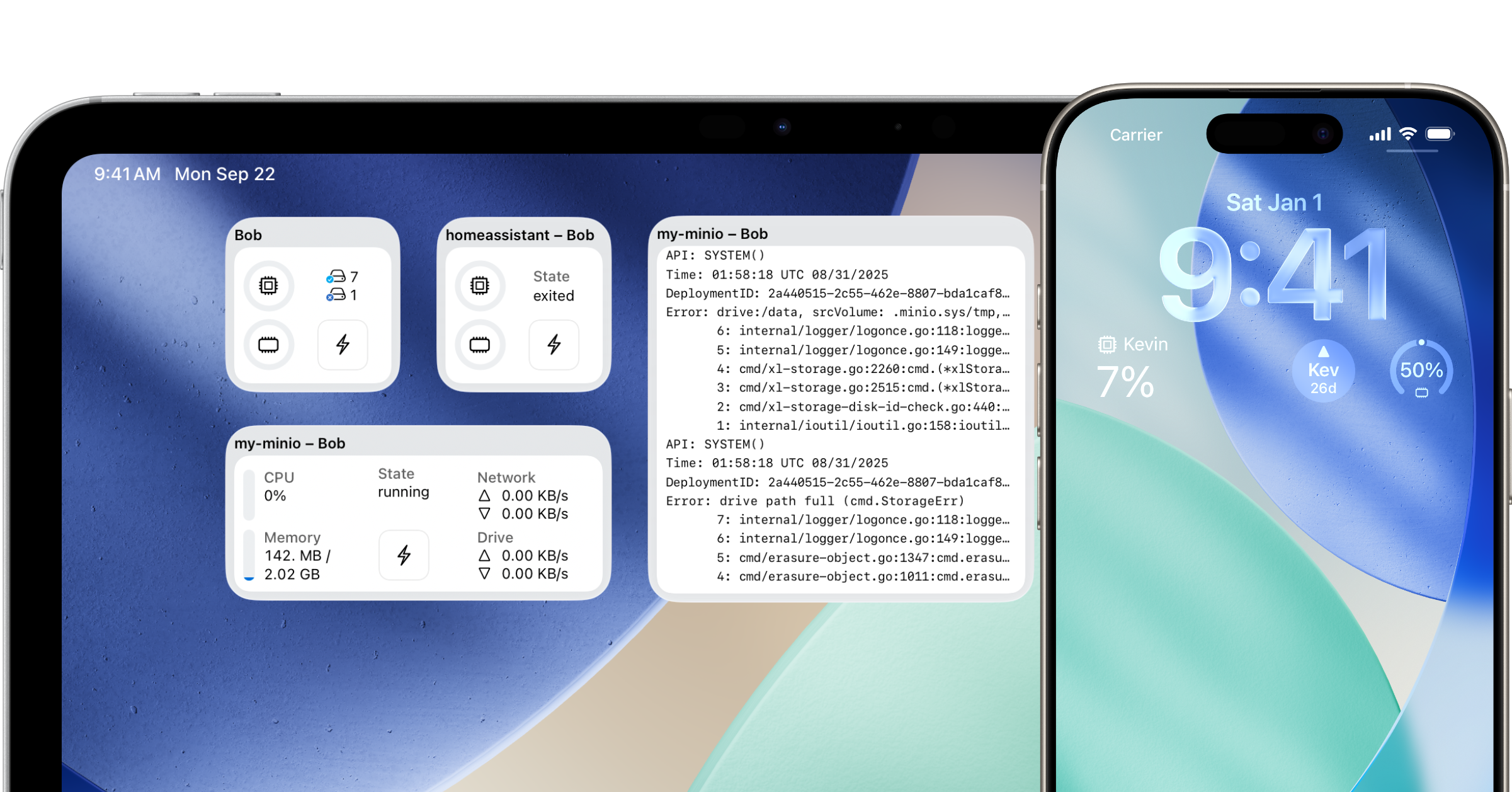
- Native Widgets for Home Screen, Lock Screen, and Mac desktop
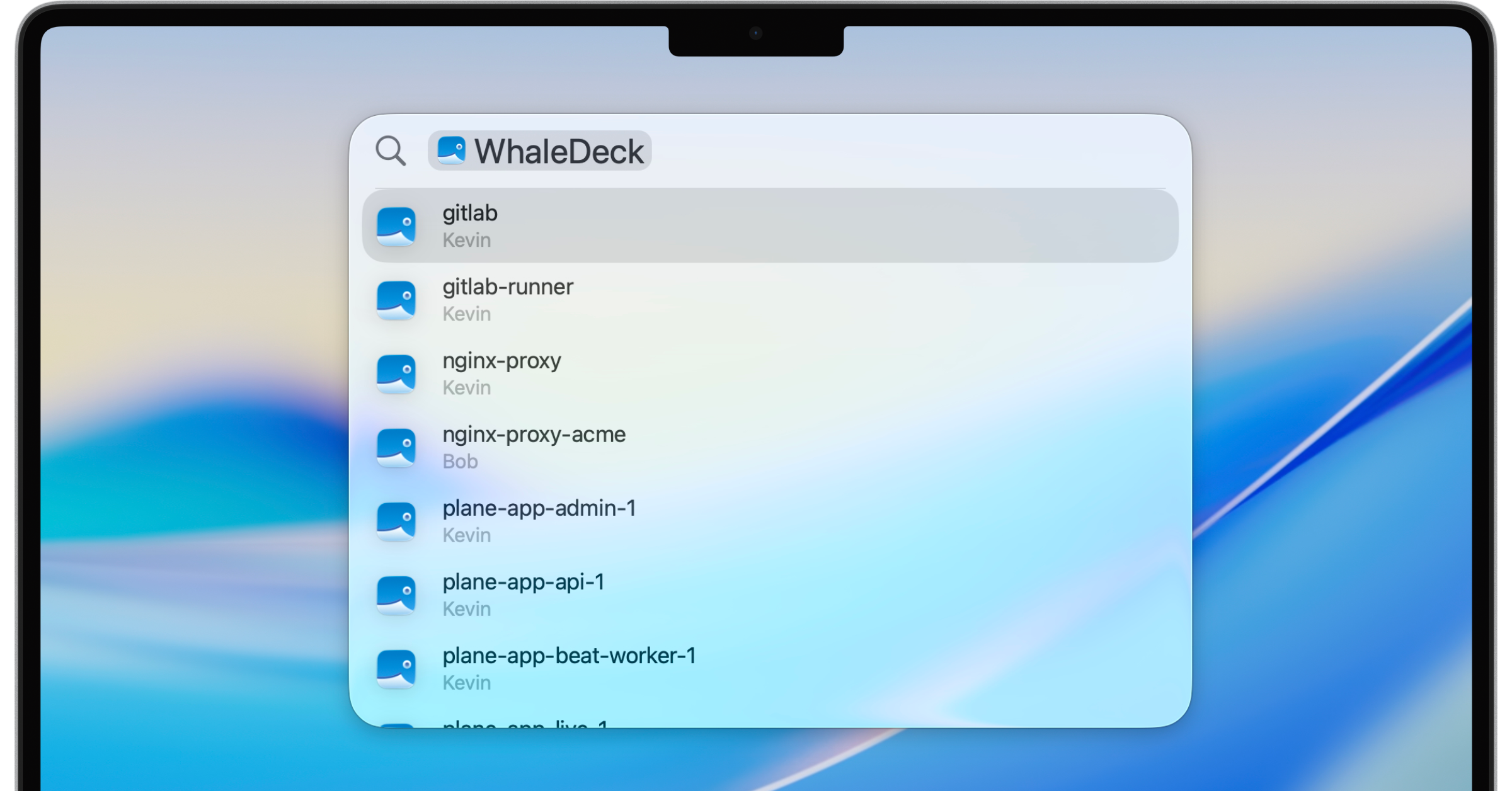
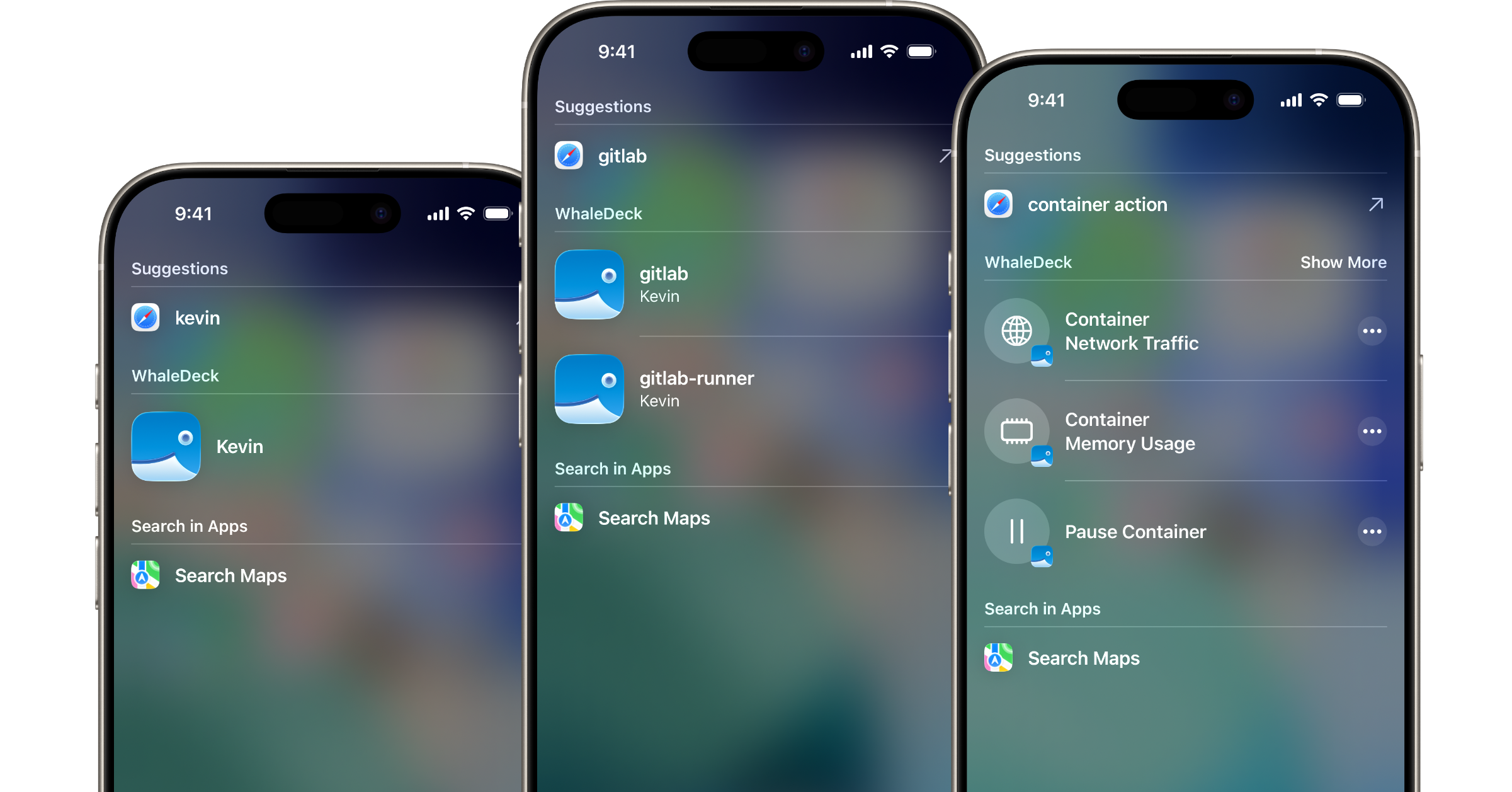
- Spotlight search — find containers and servers instantly without opening the app
- iCloud sync for server configurations across all Apple devices
- Universal purchase — one buy unlocks iPhone, iPad, and Mac
Pricing
WhaleDeck is free to download. Connecting to one server and inspecting containers costs nothing — enough to get a real feel for the app. Unlocking unlimited servers and advanced features like Widgets, iCloud sync, detailed resource stats, and full image/volume/network inspection requires a Pro upgrade:
- $1.99 / month
- $12.99 / year
- $34.99 one-time purchase
WhaleDeck contains no ads and never sells or shares user data. Revenue comes entirely from Pro upgrades.
Who is WhaleDeck for?
WhaleDeck is built for developers and system administrators who run Docker on remote Linux servers, Synology NAS, Unraid, or a local Mac — and want to manage their infrastructure from an iPhone, iPad, or Mac without opening a terminal.
- Indie developers who self-host their own apps and services and want quick visibility into what's running
- DevOps engineers who need to check on containers while away from their desk
- Homelab enthusiasts running Docker on Synology, Unraid, or Raspberry Pi
- Mac developers running Docker locally and looking for a native alternative to Docker Desktop
How does WhaleDeck work?
WhaleDeck connects to Docker hosts over SSH using credentials and private keys stored securely on device. Once connected, it reads live data directly from the Docker API — no agent, no extra software, no cloud relay, no intermediary server. Everything stays between your Apple device and your server.
Server configurations sync across iPhone, iPad, and Mac via iCloud, so you only set things up once.
About the Developer
WhaleDeck is built and maintained by Florian Seida, an indie developer based in Germany. He has been shipping apps for Apple platforms since 2020 and builds tools focused on developer productivity and native Apple experiences. Alongside WhaleDeck, he also runs Explore SwiftUI, a visual reference library for SwiftUI components and modifiers.
Learn more about Florian's other projects at typ0genius.com.
Press Contact
For press inquiries, review copies, or interview requests please get in touch:
Florian Seida
E-Mail: mail@florianseida.de
Twitter / X: @typ0genius
Bluesky: @typ0genius.com
Mastodon: @Typ0genius@mastodon.social