
Troubleshooting · 9 min read
How to investigate Docker exit code 137
Practical guide to docker exit code 137: inspect Docker state, choose a controlled action, preserve evidence, and verify the result.

typ0genius · Published
In short
Docker exit code 137 means the process received SIGKILL. First inspect Docker’s OOMKilled state and compare container memory, its configured limit, and host memory pressure. Also check whether an operator, automation, or an expired stop timeout forced the kill. Fix measured memory demand or the external termination cause; do not assume every 137 event is automatically an out-of-memory failure.
On Linux, shells commonly report a signal termination as 128 plus the signal number. SIGKILL is signal 9, producing 137. SIGKILL cannot be caught or handled by the process, so the application may have no opportunity to flush buffers or write a final explanatory log line. That is why Docker state and host evidence matter more than expecting a graceful shutdown message.
Out-of-memory termination is a common cause, but not the only one. Docker or an operator can force a kill, orchestration can terminate a process, and a normal stop can escalate to SIGKILL after its grace period expires. WhaleDeck can show current state, resource usage, logs, restart behavior, and image context. Use Docker inspection, host-level kernel evidence, monitoring history, and deployment history to confirm OOMKilled, configured limits, and the source of SIGKILL.
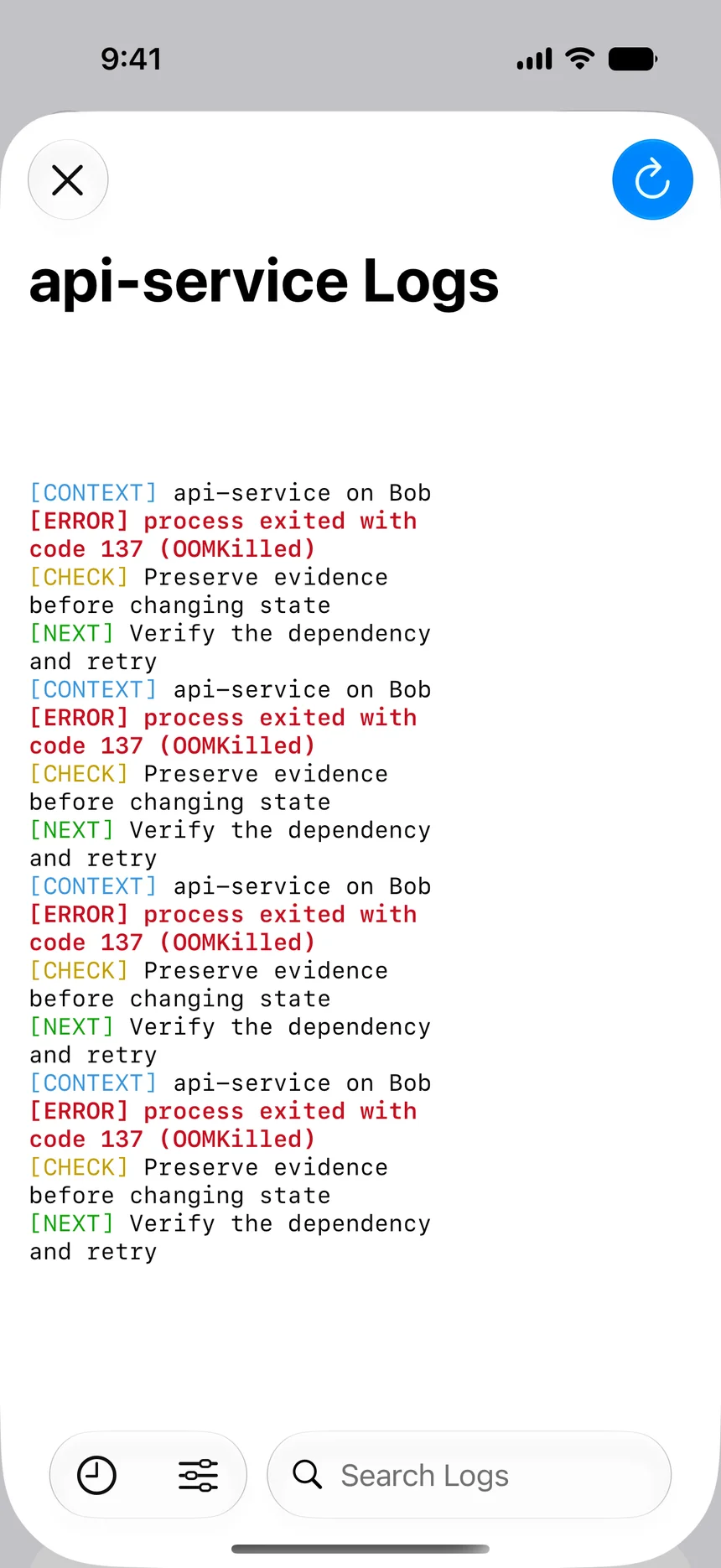

Confirm the SIGKILL evidence
Verify the expected host and container, then record exit code 137, finish time, start time, restart count, Docker error text, OOMKilled flag, image identity, and configured memory values. Read logs up to the termination timestamp. An abrupt end with no shutdown sequence is consistent with SIGKILL, but the absence of a final message does not establish who sent it.
Correlate the timestamp with host monitoring, kernel logs, deployments, operator actions, automation runs, container stop requests, and host restarts. If several memory-intensive processes disappeared together, host pressure is plausible. If one container ended exactly after a maintenance action or stop timeout, an intentional or escalated kill may be more likely.
Distinguish container OOM from host pressure
Inspect whether Docker reports OOMKilled for the container and whether a memory limit was configured. Compare the workload’s observed peak with that limit. A workload can exceed its container boundary even while the host has free memory. Conversely, a container without a restrictive limit can be selected by the host kernel when the entire machine is under severe pressure.
Review host memory, swap policy, concurrent workloads, caches, batch jobs, and recent traffic. Container memory statistics need interpretation because application heaps, native allocations, page cache, shared memory, and subprocesses can all contribute. One reading after restart does not represent the peak that triggered termination. Use historical monitoring where available and reproduce only in a safe environment.
Check forced termination and stop behavior
Search change logs and automation for an explicit kill or force-removal action. Determine whether a normal stop first sent SIGTERM and then reached its timeout. Applications running as PID 1 must handle and forward termination signals correctly. A process that ignores SIGTERM may be killed after the grace period even when memory is healthy.
Compare the configured stop grace period with real shutdown work such as draining requests, checkpointing, closing queues, or flushing a database. Extending the timeout is justified only when the application is progressing toward a clean exit. An indefinitely hung shutdown needs an application fix, not an unlimited grace period.
- Docker OOMKilled state
- Container memory limit and peak demand
- Host kernel and memory monitoring
- Operator and automation activity
- SIGTERM handling and stop timeout
Correct memory demand or the external kill source
For an OOM event, identify whether memory growth is expected workload demand, a leak, unbounded concurrency, an oversized cache, or an unrealistic limit. Fix the application behavior where possible. Set limits from measured demand with headroom and ensure the host can satisfy the combined limits and essential system processes. Raising one limit without capacity planning can cause another service or the host to fail.
For an external kill, repair the automation, ownership, or shutdown behavior that issued it. Make deployment scripts wait for health and graceful termination appropriately. If a platform or operator acted intentionally, document why. Avoid disabling safety automation simply because it exposed a service that cannot meet its resource or shutdown contract.
Validate recovery after an abrupt termination
Restart or recreate through the owning deployment process after the cause is addressed. Confirm the intended image, configuration, limits, volumes, and networks. Watch memory through realistic load for longer than the prior failure window. The OOMKilled flag should remain false, restart count stable, health correct, and host memory should retain operating headroom.
Because SIGKILL prevents cleanup, validate persistent data and external coordination. Check database recovery, queues, locks, temporary files, in-progress jobs, and duplicate processing according to the application design. Perform a representative request and inspect new logs. Record the peak, limit, host state, cause, repair, and post-change observation for future capacity decisions.
Frequently asked questions
Does exit code 137 always mean out of memory?
No. It means SIGKILL. OOM is common, but an operator, automation, orchestration, host event, or stop-timeout escalation can also send or lead to SIGKILL.
What does OOMKilled tell me?
Docker’s OOMKilled state is strong evidence that the container was terminated by an out-of-memory condition. Correlate it with limits, host memory, kernel evidence, and timestamps.
Should I just increase the memory limit?
Not before measuring demand and host capacity. Fix leaks or unbounded work first, then size a justified limit with headroom for the container and the rest of the host.
Can a normal Docker stop produce code 137?
Yes. If the process does not exit after SIGTERM during the stop grace period, Docker can escalate to SIGKILL, which results in 137.
What must be verified after SIGKILL?
Verify stable memory and state, then check application-level data recovery, queues, locks, jobs, health, and representative requests because the process had no chance to clean up gracefully.