
Troubleshooting · 9 min read
How to troubleshoot a Docker container exited with code 1
Practical guide to docker container exited with code 1: inspect Docker state, choose a controlled action, preserve evidence, and verify the result.

typ0genius · Published
In short
Docker exit code 1 means the container’s main process reported a general application failure. Docker cannot assign one universal root cause to it. Preserve startup logs, inspect the entrypoint and command, compare environment and mounts with the deployment definition, and repair the first application error. Restart only after capturing evidence, then verify the process, health check, and user-visible service.
Exit code 1 is intentionally broad. Shells, frameworks, database clients, migration tools, and custom applications commonly use it to report that execution failed, but they choose their own conditions and messages. The number tells you that the process did not complete successfully; the preceding log output and runtime configuration explain why. Treating every code 1 as a Docker daemon problem sends the investigation to the wrong layer.
WhaleDeck can bring container state, logs, image identity, environment names, mounts, networks, ports, labels, and resource use into one container workflow. That makes remote triage practical, but the durable fix remains application-specific. It may require correcting a Compose value, secret reference, configuration file, database state, startup command, image build, or dependency.
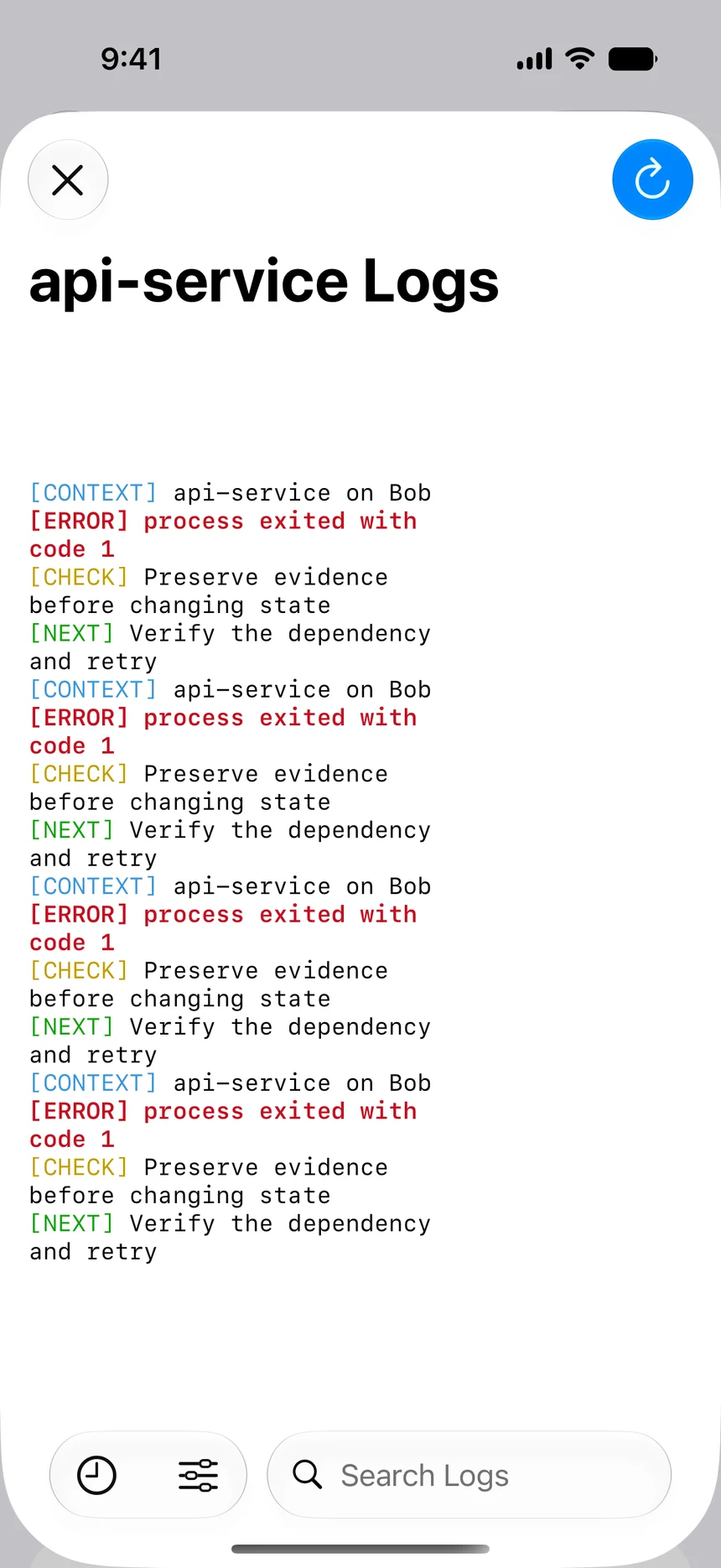

Preserve the failure message before restarting
Confirm the correct host and container, then capture the exit time, start time, exit code, Docker error field, restart count, image ID, and relevant labels. Read the latest logs with timestamps and enough preceding context to include initialization. If a restart policy is active, the container may already be running another attempt; compare log timestamps so output from separate starts is not mistaken for one continuous process.
Look for the first explicit application error rather than the final generic “exited” message. Useful examples include invalid configuration syntax, missing required variables, authentication rejection, database migration errors, address already in use, permission denied, file not found, or an unsupported option. Record the exact error without copying secrets, tokens, customer records, or full environment output.
Inspect the command that returned code 1
Review the image entrypoint and the container command as Docker actually configured them. Compose command overrides, shell wrappers, and environment expansion can produce a different invocation than the Dockerfile suggests. Confirm the working directory, user, expected executable, argument order, and whether the command is a long-running service or a short-lived task that should legitimately finish.
If a shell script is involved, identify which command failed and whether error handling intentionally converts it to code 1. Do not patch the script inside the running container. Reproduce or inspect the version from the image source, then fix and rebuild it. Manual runtime edits disappear on recreation and make the deployed artifact impossible to reproduce.
Compare configuration, files, and dependencies
Compare required environment variable names, secret mounts, configuration paths, bind mounts, named volumes, and file permissions with the deployment source. Confirm that the Docker host path exists on the actual server, not merely on the client device. An empty bind mount can cover files included in the image, while a wrong Compose project name can attach a different named volume than expected.
Then test the dependency named by the application: database hostname and port, message broker, DNS, certificate, API endpoint, or writable data path. Verify that both containers share the intended network and that the dependency is ready, not merely running. If several services return code 1 after the same event, investigate shared configuration, storage, credentials, DNS, or host capacity.
- Entrypoint, command, arguments, and working directory
- Required variable names and mounted secrets
- Configuration and persistent-data paths
- Container user and filesystem permissions
- Dependency address, readiness, and network membership
Apply one application-specific repair
Use the first concrete error to choose the repair. Correct malformed configuration in its repository, restore the required secret through the secret manager, fix ownership narrowly for the intended container user, or make the dependency available. If the failure began with a new image, compare immutable digests and follow the approved rollback procedure instead of moving an ambiguous latest tag.
Recreate through Compose or the normal release automation when configuration changes require it. Preserve the previous image and configuration identity until validation succeeds. Avoid broad responses such as privileged mode, world-writable permissions, removing all limits, or exposing additional ports; those actions may hide the immediate error by weakening important controls.
Verify the application, not only the container process
After the repair, confirm the new start time, image digest, stable restart count, and clean startup progression. The logs should pass the exact point that previously failed. Check the health result where configured and review CPU, memory, storage, and network activity for unexpected behavior. Confirm that mounted data and configuration are the intended versions.
Finally perform a representative request or job. A web service should return the expected response through its normal proxy path; a worker should process a controlled task; a database migration job should report completion and leave compatible state. Document the error, source change, deployment, and validation so a future code 1 incident starts with better context.
Frequently asked questions
What exactly does Docker exit code 1 mean?
It means the main process reported a general failure. The application or command defines the actual reason, so inspect its logs and configuration rather than relying on the number alone.
Is exit code 1 caused by Docker?
It can involve runtime configuration supplied through Docker, but the code is returned by the process. Common causes include invalid arguments, missing variables, unavailable dependencies, permissions, and application startup errors.
Should I immediately restart a container with code 1?
Capture the logs, state, image, and configuration evidence first. Restart after identifying a transient condition or applying a repair; otherwise the same process usually returns the same code.
Can environment variables be inspected safely?
Check required names and compare configuration carefully, but do not expose full values in public screenshots or tickets. Variables can contain passwords, tokens, internal endpoints, and personal data.
How do I verify the fix?
Confirm startup passes the previous error, restart count remains stable, health is correct, resources are normal, and a representative application operation succeeds.